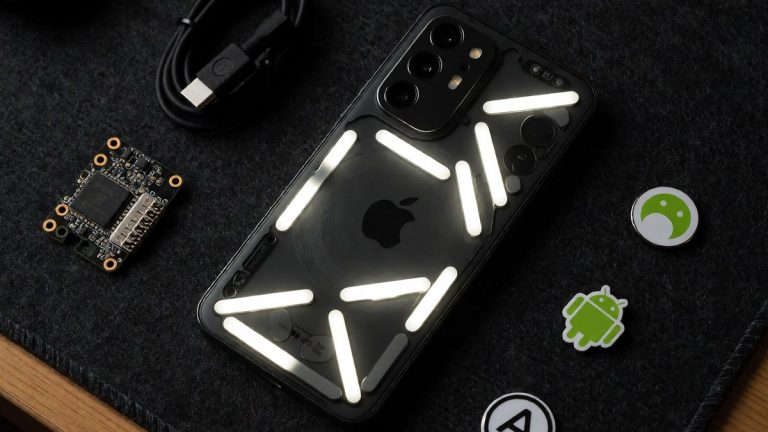

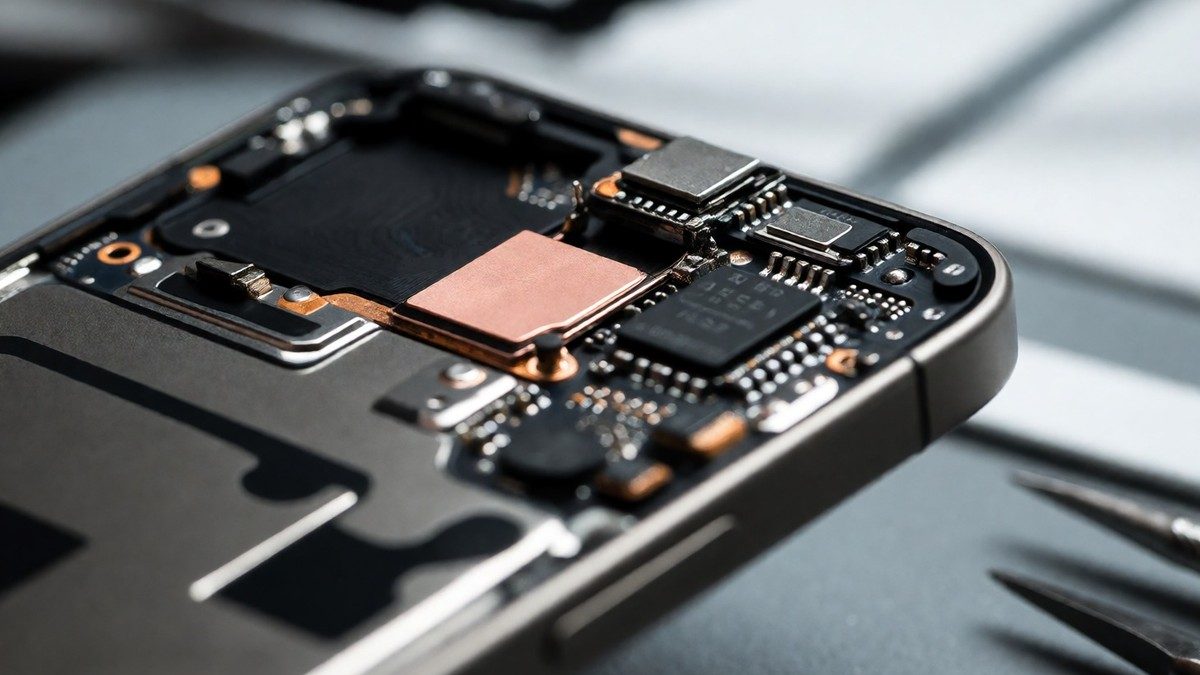
Apple manages AI workloads through two distinct methods to balance speed and capability. On-device processing uses a 3B-parameter language model to run tasks like text prediction, autocorrect, and basic language understanding directly on the phone to ensure that results are delivered without relying on a network connection. This local approach provides instant results because it eliminates the need to upload and download data. Apple Intelligence also uses Private Cloud Compute for tasks that require more power, such as summarizing long emails or refining prose. Private Cloud Compute uses encrypted requests to verified compute nodes and removes request data after the response. These cloud-based tasks use a 32,768-token context window, while local models work with 4,096 tokens. Apple does not train its core models using data from user devices, whether in on-device or private cloud settings. Developers can use the Foundation Models framework to build apps that use these on-device models for offline work. Any app can tap into these models through App Intents and APIs. Users can use Apple Intelligence to generate a draft from scratch or match their writing style and punctuation in Messages and Mail.
| Feature Path | Processing Site | Token Context |
|---|---|---|
| On-device | Local hardware | 4,096 tokens |
| Private Cloud | Remote servers | 32,768 tokens |
The rollout of Apple Intelligence has been inconsistent for many users. Several key features promised at launch were not available initially. Some users find notification management and email prioritization to be inaccurate. One user reported that the AI made incorrect assumptions, such as claiming a certain boxer won a fight or misidentifying a user’s spouse. A survey indicates that 73% of iPhone users see little to no value in these new AI features. The misinformation detection feature has also proven unreliable. Siri AI in CarPlay remains unreliable for specific tasks. If a user asks for a specific curated playlist, the system often plays a song with a similar name instead of the requested track. This failure makes the tool frustrating for drivers. Apple aims to fix these issues with a more advanced version of Siri. This upgraded assistant should launch in 2026 to provide more human-like conversations. The current version of Siri AI relies on an incremental evolution of older technology. Critics argue that these features were not ready for public release and should have undergone more rigorous testing before launch. Will the increased token capacity of the cloud models finally resolve the inaccuracies in notification summaries?
Hardware constraints determine which users can access these tools. Only the iPhone 15 Pro and later models can run the on-device and cloud-based AI features. You must check if your device has the A17 Pro chip to use these functions. Users can also use Visual Intelligence to interact with what they see on their screen. This tool allows a person to circle an item with an Apple Pencil or tap an image to find more information. Visual Intelligence can also help a user split a bill with friends or find nutritional information for a dish. Users can also take a screenshot and ask Siri AI about the content of the display. Siri AI can also find relevant answers by searching for a photo from years ago or locating an email buried in an inbox. Siri can also take actions in apps like Messages and Music based on what a user is doing. On the Mac, users can use the Command key twice to activate Type to Siri. The system also allows for handoff to ChatGPT when Siri cannot handle a request. Users can use the Passwords app to update weak or compromised passwords without manual effort. Siri AI can also provide recipes or travel recommendations. It can also use the Clean Up tool to remove objects from images or Spatial Reframing to adjust camera angles. Apple is also working with Google to have Gemini power some foundational models in the future.