
Animation fluidity and version 2.0
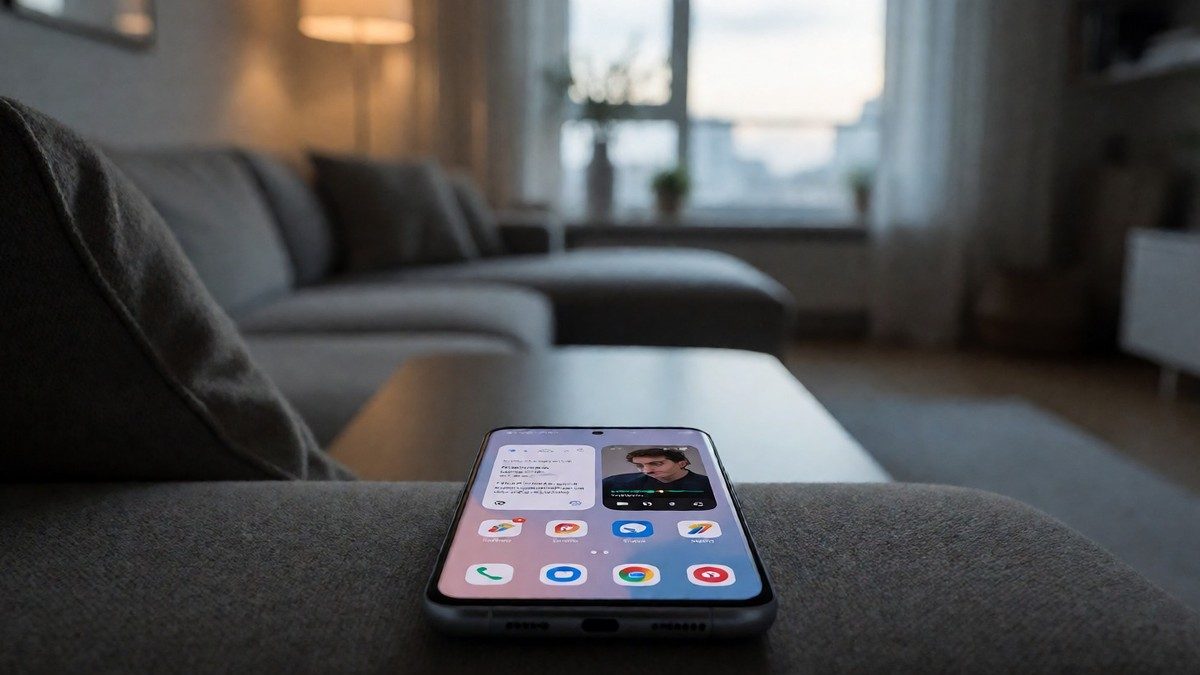
OxygenOS 15 introduced parallel processing to address the limitations of the serial processing found in OxygenOS 14. In the previous serial system, each app launch or animation had to finish entirely before the system could start the next one. OxygenOS 15 applies parallel processing to home screen animations, while OxygenOS 16 extends this to the app drawer, the notification shade, and the three-button navigation system. Because OxygenOS 16 extends Parallel Processing 2.0 to the notification shade, the app drawer, and the three-button navigation system, a second animation can start before the first finishes. This prevents the lag I feel when I tap through the UI quickly. This works even if I switch between 20 applications at the same time. You probably already know that major updates take time, but the 3.60 GB OTA package is heavy. The rollout began with the OnePlus 12 and 12R, while the OnePlus 11 receives the update in India. The package brings design updates like a new boot animation, new icons, and bolder font weights. I see new Shimmering Effects and Gaussian Blur across settings and the control center.
Multitasking and interaction
Open Canvas allows two apps to run as multi-windows on candybar phones like the OnePlus 12. One app takes up most of the screen while the other remains at the edge. On the OnePlus Open, OxygenOS 16 lets me resize icons and folders using a drag handle. I also scale the dock up to five apps on the foldable. Resizing a folder on the large inner display changes the folder size on the cover screen too. I use the Open Canvas feature to search for a setlist on Google Chrome while I search for those songs on YouTube. I can also use the Share to iPhone feature to send a 4K video to an iPhone using the O+ Connect app, though the setup takes 10 to 15 seconds. The system uses LinkBoost 3.0 to switch between mobile data and Wi-Fi, while the Fluid Cloud allows information to update in real-time through bubbles and panels. I can also use the OneTake feature for better visual appeal when unlocking the phone. The UI also includes new themes like Radiance and Shadow.
| Feature | Specification |
|---|---|
| OTA Package Size | 3.60 GB |
| Battery Charging Limit | 80% to 100% |
| Supported Languages | 40 |
| System Storage Reduction | 20% |
AI, security, and storage
OxygenOS 15 includes AI tools like AI Detail Boost, which converts low-resolution images into 4K visuals. AI Unblur fixes blurry faces and AI Reflection Eraser removes reflections from photos taken through glass. Intelligent Search uses Google Gemini models to find information in files or notes using natural language. AI Reply in the Smart Sidebar suggests responses in chat apps. AI Notes can transcribe voice, remove fillers, and adjust the formality of text. Most of these AI features rely on cloud-based processing. On the OnePlus 13, the system storage takes up nearly 20% less space than OxygenOS 14 did on the OnePlus 12. The system also limits charging to 80% with a trickle charge to 100% before scheduled alarms. For security, the Theft Detection Lock detects if someone takes the device and locks it. Google Play Protect analyzes app behavior for malware. The remote lock feature works via the phone number without a Google account, and the offline lock activates if the phone remains offline for a prolonged period. Biometric verification is required to disable theft protection or FindMyDevice. The unified personal safety hub manages privacy settings. I can also use Pass Scan to scan boarding passes from the camera or photo album. I use AI Summary to condense text and AI Speak to hear text read aloud. I can also use the Screen Translator feature. Will the AI features eventually move to on-device processing?