
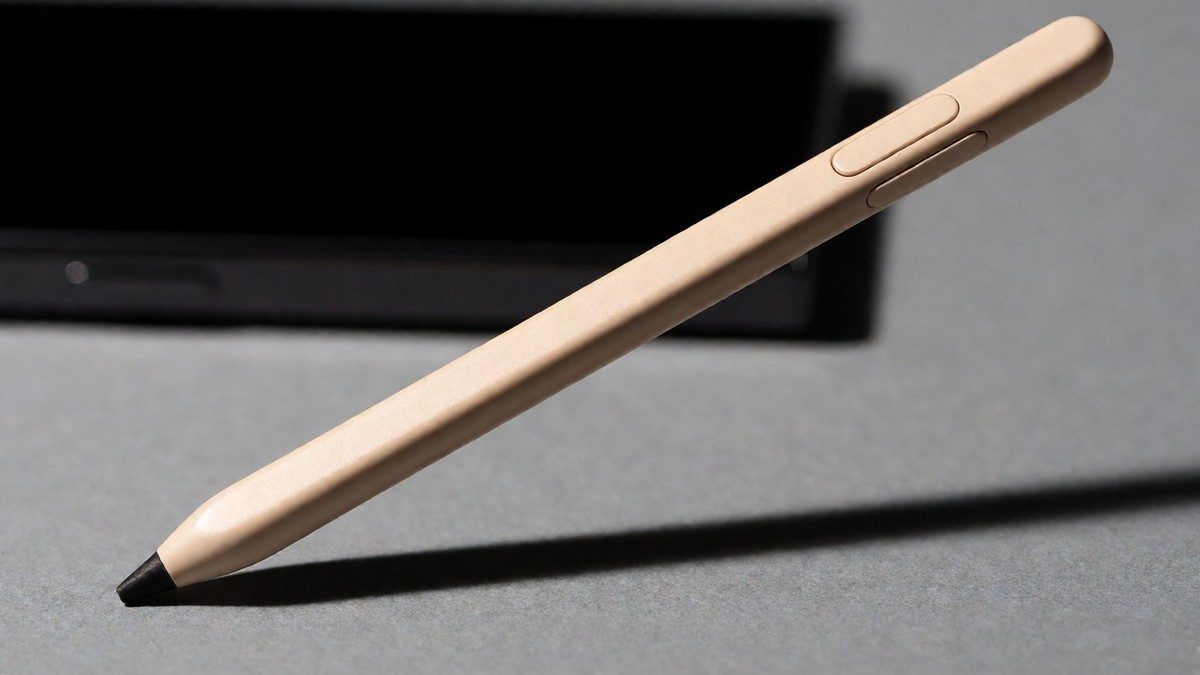
The S Pen provided with the Galaxy S25 Ultra is non-Bluetooth-enabled. Users who attempt to pair the S Pen via Bluetooth settings will find no such option because the hardware lacks Bluetooth. This removal means the S Pen cannot perform Air Actions, which allowed users to remotely control the camera, navigate presentations, and manage media playback with gestures. Unlike the Galaxy S24 Ultra, the S25 Ultra S Pen does not support these remote functions.
| Feature | Galaxy S24 Ultra | Galaxy S25 Ultra |
|---|---|---|
| Bluetooth Support | Yes | No |
| Air Actions | Yes | No |
| Remote Camera Control | Yes | No |
| Media Gestures | Yes | No |
The S Pen on the S25 Ultra works as a basic stylus for handwriting and navigation. It does not support the remote control features found in the Galaxy S23 Ultra or the Note series. The S Pen can no longer take photos on your phone remotely with a button click. One user tried to use the S Pen for group photos but found that the lack of a button click makes it harder to capture everyone at once. You can still use the S Pen to open the Air command menu, tap Settings, and then tap Air actions to customize how gestures work on the screen.
Reasons for the Feature Removal
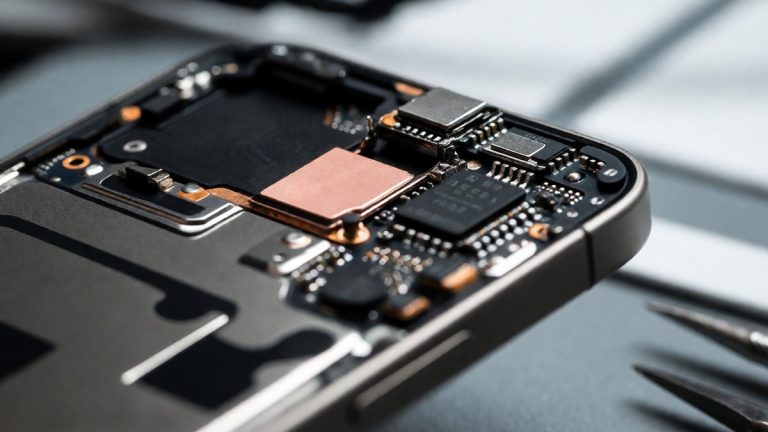
Samsung has not officially commented on the removal, but speculation suggests the change improves power efficiency or durability. Removing the Bluetooth component saves internal space and weight because it eliminates the charging coil and the rechargeable battery. A simpler S Pen might also be more reliable over time. However, users argue that paying $1,299 for a flagship phone should not result in the loss of essential tools. The S Pen on the S25 Ultra is beige in a jet black phone. Users say this looks cheap and inappropriate for a flagship device.
The S Pen is a basic stylus now. It lacks the ability to navigate presentations or manage media playback with gestures. The S25 Ultra uses the Snapdragon 8 Elite chipset, but users feel the lack of S Pen innovation makes the device feel less like an Ultra model. A professional photographer who previously relied on the S22 Ultra for remote shutter tasks finds that the S25 Ultra lacks the ability to release the shutter remotely using the pen tip or manage video capture. This absence of a remote shutter is a significant loss for those who use the device in a studio setup or for landscape photography. For the S24 Ultra, Samsung marketing promised users they could capture epic moments by controlling the camera shutter with a click of the S Pen, but the S25 Ultra marketing only states the phone comes with a built-in S Pen.
Alternatives and the S26 Petition
You can use other devices to control the camera if you find the lack of Bluetooth frustrating. Since you already know the basics, you might prefer more advanced alternatives. The Galaxy Watch 5 allows for camera control through its interface. This provides a way to trigger the shutter without touching the phone. Another option involves using the camera’s built-in timer. You can hold your hand up in front of the phone to trigger a countdown.
The S Pen still works for writing notes and navigating the screen. You can set up the S Pen to unlock your phone if you have a Lock screen set up. To do this, open the Air command menu, tap Settings, tap More S Pen settings, and then tap the switch next to S Pen unlock. After you enter your Lock screen information, you can press the Pen button to unlock the phone.
The S Pen remains a tool for precision input. It lacks the remote capabilities of the Note series. This decision led to a petition by Jeff Springer for the return of Bluetooth functionality in the Galaxy S26 Ultra launch in 2026. The petition has over 6,000 supporters. Will Samsung address the feedback from the petition for the S26 Ultra?