The problem with aggressive AI processing
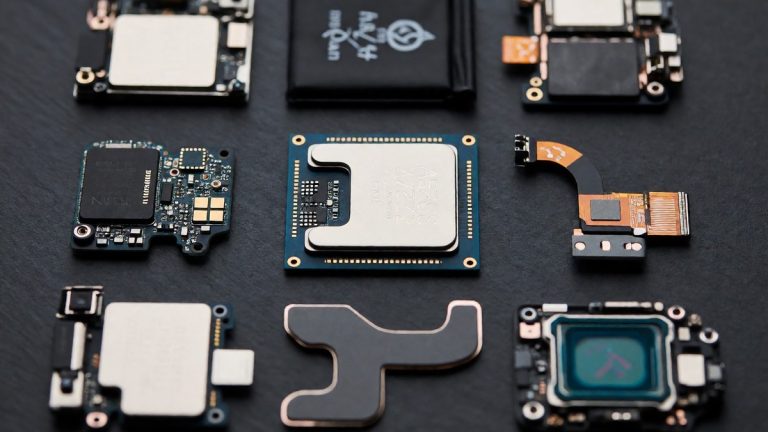
Samsung’s default camera pipeline applies aggressive AI-based processing to produce images that look crisp. I find this approach creates results that often appear artificial. The S26 Ultra uses a custom application processor with a neural processing unit that is 39% more powerful than the previous generation. This hardware works alongside a CPU that is 19% faster to drive the intense computational requirements of the camera. Users who dislike excessive sharpening can access a setting in the Camera Assistant module. Samsung renamed this tool to Photo Softening. The setting has three levels. The "Off" level is full AI processing, which applies the complete sharpening and enhancement pipeline. The "Medium" level is balanced processing, which reduces some aggressive enhancements while maintaining detail. The "High" level is natural rendering, which tones down algorithmic enhancement further.
The excessive sharpening is a direct result of the increased power of the Snapdragon 8 Elite Gen 5. This processor drives the ProVisual engine to maximize perceived detail in every shot. For most users, the default settings are fine. However, photographers often find that the AI pushes edges too hard, making textures look plastic. This over-processing is one of the primary reasons the camera settings require such specific manual adjustment.
Resolution and artificial detail
The choice between 12MP and 24MP capture changes how much the AI intervenes. The 24MP capture option preserves more native detail from the sensor compared to traditional 12MP binning modes, and this extra resolution ensures that reducing processing does not remove sharpness but mainly reduces artificial enhancement. At 24MP, the image relies less on algorithmic sharpening to appear detailed. In contrast, the 12MP mode depends more heavily on pixel binning and computational enhancement. This makes the 12MP images look less crisp even if the tone appears more natural.
I recommend pairing 24MP capture with reduced processing to get a photo that looks crisp, detailed, and vibrant without looking artificial. If you use the 12MP mode, you are essentially letting the AI take more control over the final image. This reliance on computational enhancement can lead to the heavy-handed look that many users criticize. The sensor provides plenty of data, but the AI often tries to overwrite that data with its own interpretation of what a high-resolution image should look like.
The authenticity of memories
The drive for digital perfection through AI creates a risk of "sloppifying" memories. This term refers to making images less faithful to the original moment. When AI adds a missing friend or removes an unwanted stranger, the device rewrites the visual narrative. This phenomenon is part of what some call the "What is a photo?" apocalypse. The Galaxy S26 uses an upgraded ProVisual engine and an AI image signal processor to perform these adjustments. While users can use Photo Assist to merge elements via text prompts, this power can erode the authenticity of the shot.
Samsung adds a visible watermark to images to indicate they are AI-generated. This transparency is a necessary step, but it does not resolve the philosophical tension between reality and perfection. When every image is a curated fantasy, the value of a raw snapshot declines. I find that the ability to resize a building or change a cloud formation with a simple pinch and drag moves the device away from being a camera and closer to being a digital editor. Does the convenience of a perfect photo outweigh the loss of a true memory?
Low-light performance and hardware limits
The hardware improvements provide more light, yet the software continues to struggle with natural rendering. The main camera aperture is f/1.4 on the S26 Ultra, which is a significant improvement over the f/1.7 aperture on the S25 Ultra. This change allows roughly 47% more light to reach the sensor. The 5x telephoto lens also moved from f/3.4 to f/2.9 and uses a new All Lens on Prism (ALoP) design. In low light, the device uses multi-frame stacking and noise reduction to capture detail. The Night control feature in Auto mode automatically activates longer exposures when needed.
Even with better light, the AI’s attempts to reduce grain can sometimes conflict with the user’s desire for natural textures. In dimly lit restaurants or night scenes, the camera relies heavily on its computational pipeline to compensate for darkness. If the AI is too aggressive, it can wash out the fine details that the wider f/1.4 aperture worked so hard to capture. The increased light from the sensor should ideally reduce the need for heavy software intervention, but the AI often ignores the hardware’s advantages to apply its own noise reduction algorithms.
Video stabilization and codec issues
Video creators face new formats and stabilization tools that rely heavily on software. The S26 Ultra supports the APV codec, which provides near-lossless quality at manageable file sizes. This format allows for LOG recording to assist with color grading in post-production. The Super Steady feature with Horizontal Lock keeps video level through a full 360-degree rotation. This tool is useful for content creators who shoot without a dedicated rig.
While these tools help, the AI’s heavy lifting in video processing can sometimes lead to an unnatural look. The Super Steady mode relies on intense computational stabilization to keep the frame level. If the movement is too sudden, the software can struggle to reconcile the frame, leading to jitter or warping. Because the S26 Ultra uses the Snapdragon 8 Elite Gen 5 to manage these heavy video tasks, the processing is fast, but the results still depend on how the AI interprets motion.
Document scanning and selfie limitations
The Galaxy AI Document Scan feature has strict requirements for successful operation. The document area in the camera screen must be greater than 20%. If the document contains only images without text, the camera might not recognize it in Photo Mode. The original document must be rectangular. All four corners of the document must be visible within the camera screen without any obstructions. The capture angle must be within 20 degrees after setting to 0 degrees when the document surface and the camera are level.
For warped documents, the user must place the object on the floor with a uniformly short-axis angle of A4 size and a distance of less than 4 cm between the floor and the document. Traces may remain after shadow removal for documents with strong shadows or colors. A gap greater than 0.8 cm between objects and obstructions like fingers or folded edges must exist. If the object and obstacle overlap, the feature does not work. Moire removal restrictions may result in residual moire in cases of very strong moire. Additionally, the 12MP selfie camera remains unchanged from previous models, which lags behind the higher-resolution sensors found on competing devices.
Generative editing and watermark transparency
Photo Assist applies AI-powered adjustments like exposure, color, and subject isolation. The AI Eraser removes distractions on-device without needing cloud processing. These tools work well for quick edits, but they can sometimes produce results that feel disconnected from the original scene. Because the S26 Ultra relies on on-device processing, the speed is high, but the accuracy of the generated output is not guaranteed.
| Feature | Galaxy S25 Ultra | Galaxy S26 Ultra |
|---|---|---|
| Main Camera Aperture | f/1.7 | f/1.4 |
| 5x Telephoto Aperture | f/3.4 (Periscope) | f/2.9 (ALoP) |
| AI Video Codec | No APV Support | APV Codec Support |
| Video Stabilization | Standard Super Steady | Super Steady with Horizontal Lock |
| AI Editing Tools | Basic AI Features | Photo Assist & AI Eraser |
The AI processing can be unpredictable when it attempts to manipulate complex backgrounds. While the ProVisual engine is powerful, it sometimes struggles to distinguish between a subject and a complex texture. Using AI to remove a person from a background works most of the time, but the edges can look blurred or smudged. The visible watermark confirms the image is AI-generated, which helps with honesty, but it does not fix the visual artifacts left behind by the generative process.
Hardware versus software verdict
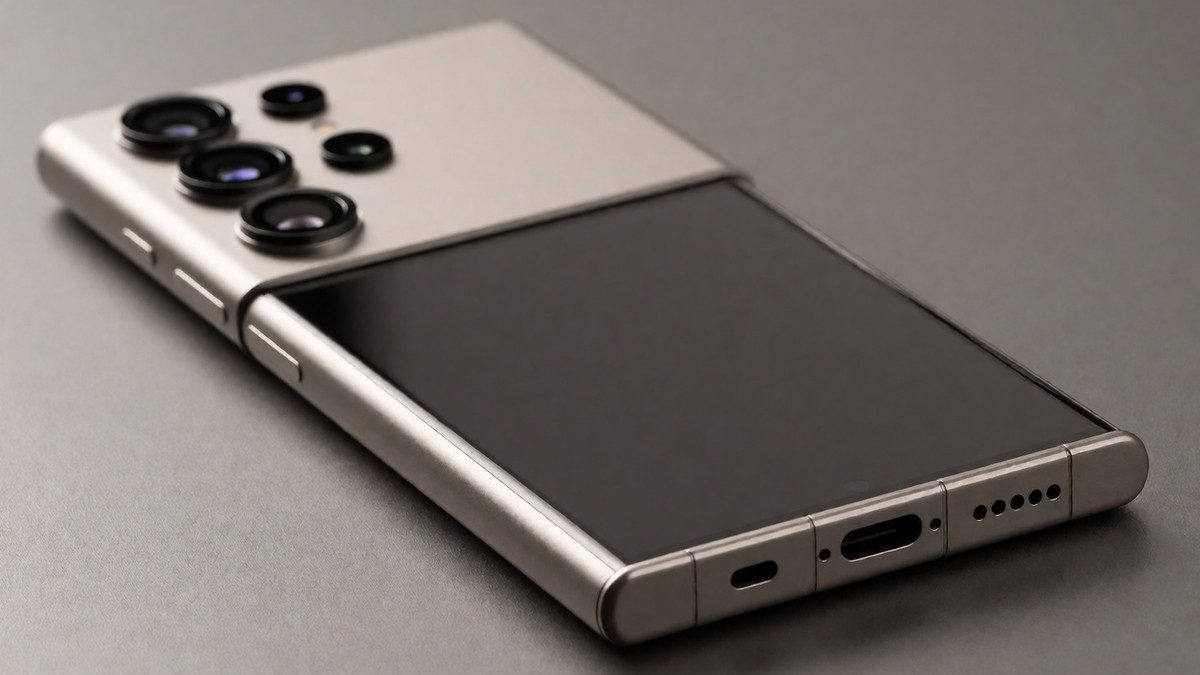
The hardware improvements provide a much better foundation for photography than previous years. The move to a titanium body and the M14 display panel with Flex Magic Pixel technology make the device feel premium and secure. The wider aperture on the main and telephoto lenses provides a genuine physical advantage in low light. However, the software often works against these hardware gains. The AI’s tendency to apply heavy-handed sharpening and smoothing can negate the extra detail provided by the 200MP sensor.
If you want a phone that takes punchy, ready-to-share photos without any editing, the S26 Ultra is the choice. If you are a photographer who wants a natural look, you will spend a lot of time in the Camera Assistant module. The S26 Ultra is a better tool for low-light and video work than the S25 Ultra. I would skip the upgrade if you only shoot in daylight and prefer the natural look of traditional photography. The gap between the hardware’s capability and the AI’s processing is where most users will feel the friction.