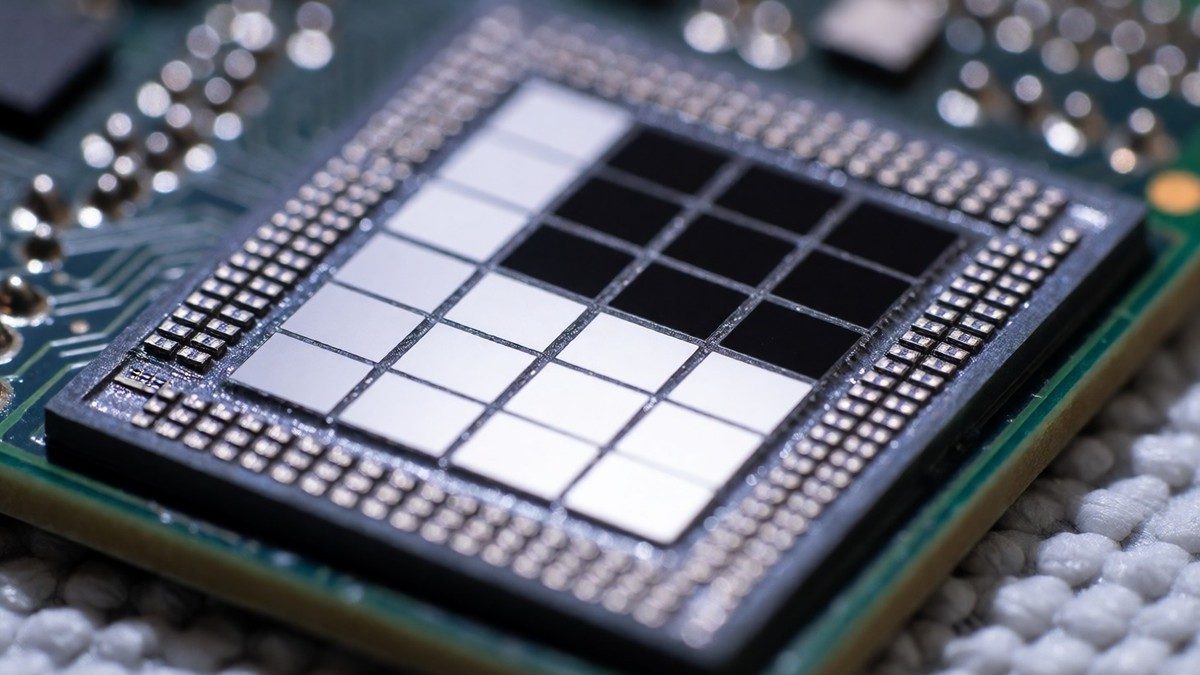
The iPhone 16 Pro uses the A18 Pro chip to manage the workloads of Apple Intelligence. This chip uses a second-generation 3-nanometer process and contains a 16-core Neural Engine. The GPU is 20% more powerful than the A17 Pro. I think the iPhone 16 Pro is the best way to use Apple Intelligence because the A18 Pro handles the machine learning accelerators better than previous models. The A18 Pro is up to 15% faster than the A17 Pro while using 20% less power. This hardware allows the device to process AI requests locally whenever possible.
The EU delay and regulatory issues
EU users cannot access Siri AI on iPhone or iPad because of the Digital Markets Act. Apple says the European Commission refused to accept solutions that protect privacy and security while allowing other virtual assistants to work on the device. Regulators want Apple to give any AI system nearly unlimited access to user devices and the ability to act autonomously. This would include the ability to read messages, make purchases, and execute actions across apps. Apple proposed a Trusted System Agent to solve this, but the European Commission said no. I find the EU delay for Siri AI to be a total failure of regulatory negotiation. Users in the EU will not have the new dedicated Siri app, expanded Visual Intelligence, or integrated writing tools on iOS 27 and iPadOS 27. Because Siri AI on watchOS 27 requires a paired iPhone with Siri AI, EU users also lack access to Siri AI on the Apple Watch. Developers in the EU cannot test or use new Siri AI features for their apps on iOS 27, iPadOS 27, or watchOS 27. Will the European Commission eventually accept the Trusted System Agent proposal?
Siri AI and personal context
Siri AI is a reimagined version of the assistant that uses personal context to help users. It can find information in messages, emails, and photos. If a family member suggests an activity in a text, Siri can find the message, pull instructions from an email, and add ingredients to the Reminders app. You can start a conversation by saying "Hey Siri" or by swiping down from the Dynamic Island. Siri AI also understands what is on the screen. If you view a sports website, you can ask Siri to find upcoming home games and add them to your calendar. This assistant works with apps like WhatsApp and Audible. It will soon work with Microsoft Outlook, Notability, and Tripsy. Users can also open a dedicated Siri app to revisit past conversations. iCloud syncs this history across iPhone, Mac, iPad, and Apple Watch. Siri also uses broad world knowledge to provide up-to-date information. You can ask for the score of a football game or tips for planning a vacation. The assistant leverages information from across the web to deliver accurate answers.
Privacy and Private Cloud Compute
Apple processes many requests on the device to keep data private. When a request exceeds the local capabilities of the iPhone 16 Pro, the system sends the data to Private Cloud Compute. This system uses server hardware with Apple silicon and a hardened subset of iOS and macOS to support Large Language Model workloads. The request remains encrypted end-to-end from the user’s device to the validated PCC nodes, which ensures that no one outside those highly protected nodes can access the information during the processing task. Apple says that data sent to Private Cloud Compute is used only for the immediate processing task and is not stored or made accessible to Apple. This architecture ensures that Apple does not see the data. Security researchers can independently inspect the technology to verify these privacy guarantees.
Visual Intelligence and multimodal tasks
Visual Intelligence provides image understanding on iPhone, iPad, Mac, and Apple Vision Pro. On the iPhone, this is part of the Camera app. You can point the camera at a music festival poster to find set times and have Siri create calendar events. On iPad, this works within the screenshot experience. Mac users use a keyboard shortcut to select something on the display and type to Siri. Apple Vision Pro users ask questions about things by looking at them, including physical objects in their space. You should know that these multimodal capabilities allow for deeper interaction with the physical world.
Writing tools and communication
Writing Tools allow users to write with Siri AI in almost any app. You can describe a change you want, and Siri updates the text. In Mail and Messages, the tool uses your typical punctuation and tone. Apple Intelligence also proofreads for users as they type across the system. In Mail and Messages, Smart Reply uses your personalized writing style. Mail also provides suggestions that can take actions with third-party apps. Call Context in the Phone app provides information like confirmation codes or reservation numbers during calls. You can also describe a shortcut in natural language to create complex automations.
Media, Safari, and Home intelligence
The Photos app includes tools like Spatial Reframing to adjust composition and the Extend tool to give subjects more room. The Clean Up tool removes distractions from photos. Image Playground creates high-quality images in many styles, including photorealistic. This capability is available in the Siri AI app too. Users can identify AI-generated images because of the SynthID standard. Safari helps users browse by organizing tabs into topics. The Notify Me tool tells users about website changes like product restocks or price drops. You can also create custom extensions by describing them. The Home app lets users see what is happening across a sequence of video clips with generated video descriptions. It also combines related activity notifications into a single activity.
Apple Watch Series 12 and Ultra 4 use the S11 chip to provide Audio Intelligence. Sound Recognition alerts users who are deaf or hard of hearing to sounds like sirens, alarms, doorbells, or a baby crying. Live Rewind helps users recall what was just said.
Hardware compatibility and specifications
Apple Intelligence is available on iPhone 16 models or later, iPhone 15 Pro, and iPhone 15 Pro Max. It also works on iPad models with M1 or later and various Mac models.
| Device Category | Compatible Models |
|---|---|
| iPhone | iPhone 16, iPhone 15 Pro, iPhone 15 Pro Max |
| iPad | iPad mini (A17 Pro), iPad models with M1 or later |
| Mac | MacBook with M1 or later, Mac with M1 or later |
| Watch | Apple Watch Series 9 or later, Apple Watch Ultra 2 or later, Apple Watch SE 3 |
| Vision Pro | Apple Vision Pro |
Apple uses Google Gemini technology to help improve its own Apple Foundation Models. Apple pays a $1 billion annual fee to Google for this partnership. Users do not see Google Gemini on their iPhones. Instead, they interact with Apple’s own models, which use Gemini technology for training. The iPhone 16 Pro remains a strong choice for Apple Intelligence because the A18 Pro chip handles the machine learning accelerators better than older models.