
Managing Voltage and Heat
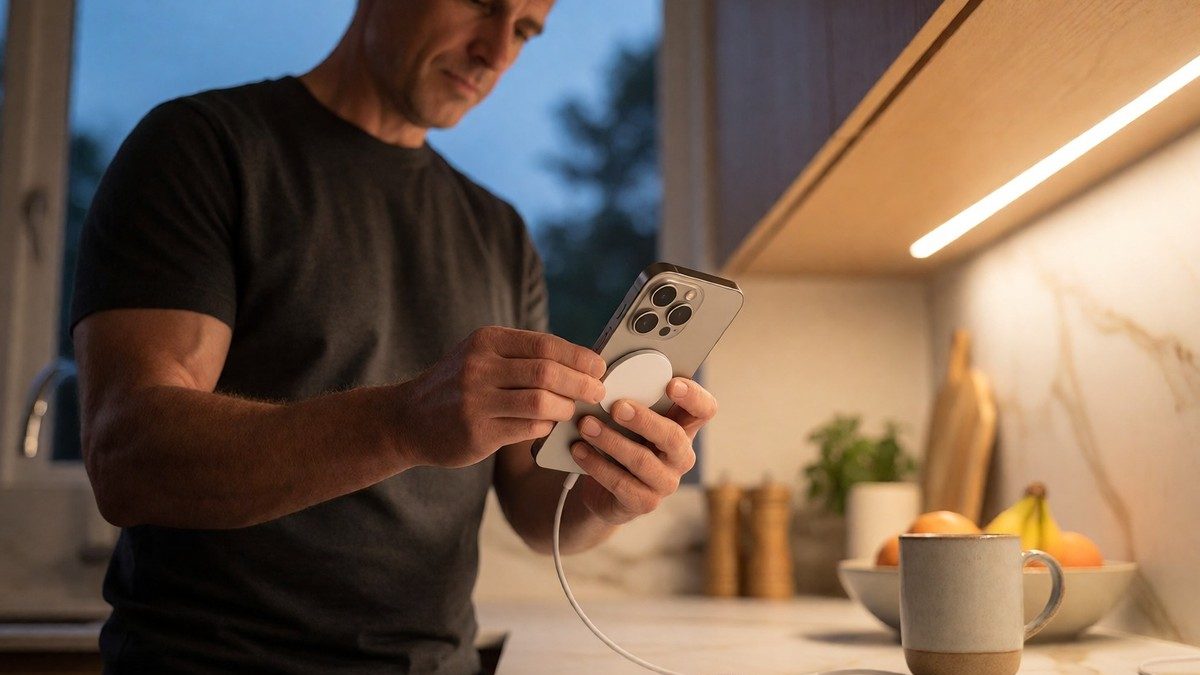
MagSafe chargers provide up to 15W of power, which creates a slower and steadier charging process compared to USB-C fast charging to prevent excess heat. This slow trickle reduces battery wear over time. Users choose between Optimized Battery Charging and a specific charging limit like 90% through the settings menu. These two features do not work simultaneously. Optimized Battery Charging is ideal for users with consistent charging schedules, but it requires the iPhone to learn habits. Users set a charging limit for greater control if they charge overnight. Users maintain the battery between 20% and 90% to slow degradation. For long-term storage, charge the device to 50% and keep it in a cool environment under 90°F. If the battery drops to 0%, it may enter a deep discharge state and fail to hold a charge. Users avoid the extremes of 0% and 100% to prevent rapid aging. The 80/20 rule suggests keeping the charge between 20% and 80% to reduce stress on the lithium-ion cells.
Real World Capacity and Performance
The iPhone 16 Pro Max battery, rated at 4685mAh, lasted for 18 hours and six minutes in Tom’s Guide testing, which beat the OnePlus 12 despite that device possessing a larger 5400mAh battery. The regular iPhone 16 showed over an hour of improvement over the iPhone 15, which had 11 hours and 5 minutes of battery life. Geekerwan testing showed the iPhone 16 Pro Max reached 10 hours and 23 minutes during a suite of web browsing, voice calls, and Genshin Impact gaming. The iPhone 16 Pro reached 8 hours and 28 minutes in the same test. The iPhone 15 Pro Max saw its battery life jump from 7 hours and 56 minutes to 9 hours and 2 minutes thanks to iOS 18 optimizations. The iPhone 16 Pro Max overheats during regular use and the battery struggles to last even 7 hours following a software update, which is unacceptable for a device at this price point. Samsung Galaxy S24 Plus and Ultra models scored 16 hours 46 minutes and 16 hours 45 minutes respectively. The iPhone 16 Plus showed 16 hours and 29 minutes of battery life despite having a smaller 4674mAh battery than the Samsung Galaxy S24 Plus’s 4,900mAh.
| iPhone Model | Apple Service Price (USD) | Third-Party Avg. | DIY Kit Cost |
|---|---|---|---|
| iPhone 16 / 16 Pro | $99 | $60 – $80 | $25 – $40 |
| iPhone 15 / 15 Pro | $99 | $55 – $75 | $20 – $35 |
| iPhone 14 / 14 Pro | $99 | $50 – $70 | $20 – $30 |
| iPhone 13 (all models) | $99 | $45 – $65 | $15 – $25 |
| iPhone 12 (all models) | $89 | $40 – $60 | $15 – $25 |
| iPhone 11 | $89 | $35 – $55 | $12 – $20 |
Identifying Degradation and Replacement
Users check the Maximum Capacity percentage in the settings to determine if the battery needs replacement. Apple considers a battery in 80% or above condition as normal. A user should consider a replacement if the capacity drops below 80% or if the phone dies at 20% or higher. Other signs of a failing battery include the phone getting hot all the time, unexpected shutdowns, or slow performance due to throttling. A battery might also lose 30% in under an hour of light use. Apple designs batteries to retain 80% capacity after 500 complete charge cycles. You already know how to navigate menus, but checking the Maximum Capacity percentage tells the real story. A $99 battery replacement provides the most effective way to extend the life of an iPhone. DIY kits save $40 to $70 compared to professional service. These kits include a replacement battery, Pentalobe screwdriver (P2), Phillips screwdriver (PH000), plastic spudger, opening picks, suction handle, and adhesive strips. Users perform a DIY replacement by powering off the device and removing the two pentalobe screws at the bottom. They apply a suction cup above the display to create a gap and use an opening pick to loosen the adhesive. This process takes between 30 and 60 minutes for those with experience. Will future software updates for Apple Intelligence change these longevity results?