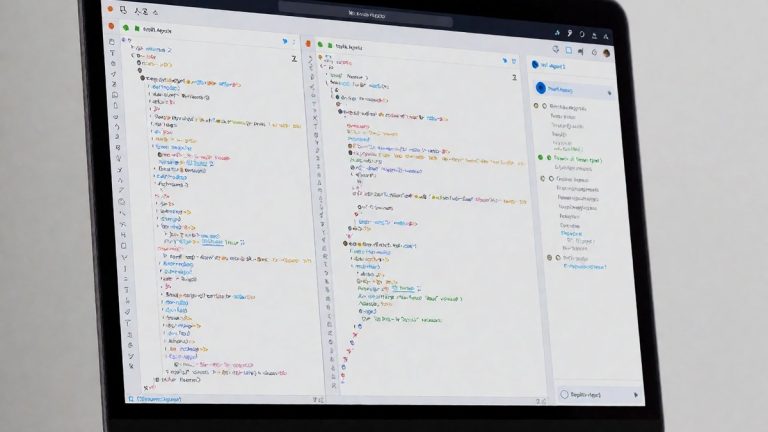
Linear’s AI Architecture
Linear provides raw Markdown pages for its developer documentation. These pages allow an agent to ingest data directly. The platform provides an official MCP server at linear.app/docs/mcp. This server allows tools like Cursor and Claude to connect to the workspace. Linear Agent works on workspace data inside the product. The "Write with Agent" feature reviews changes since the last update and linked Slack messages. It then drafts a project update. Loops runs agent jobs in the cloud on a schedule or in response to events. Loops automatically updates plans and explains what changed, why, and who needs to act. Feedback in Loops is auto-routed, labeled, and prioritized. Linear’s GraphQL API allows users to query and mutate data headlessly through personal API keys and OAuth2, which enables CI scripts to run automation jobs without using a dedicated user interface. Agents in Linear behave like workspace users that comment and collaborate on issues, projects, and documents. Linear integrates with GitHub, GitLab, Slack, and Figma. The command palette acts as a global search and command interface. Users assign priorities, add labels, and set due dates. GitHub and GitLab integrations link pull requests automatically to issues. Linear does not have an official command-line interface for AI-native workflows.
The Shift in Project Management
Asana released its Winter 2026 updates including AI Teammates and AI Studio. These tools use the Asana Work Graph to carry context from meetings, Slack, and email. Asana includes AI Teammates to automate routine tasks and summarize projects. There are more than 30 prebuilt AI Teammates for marketing, operations, and IT. Industry-specific Teammates exist for manufacturing, retail, professional services, and healthcare. AI Teammates are prebuilt agents that take on work alongside the team. AI Studio is a no-code builder for automating repetitive, structured steps like intake and routing. AI Teammates and AI Studio work together on one plan. Asana connects outside AI tools through AI Connectors and MCP. Users can work directly from ChatGPT, Claude, Gemini, and Copilot. Asana Dash acts as an AI chief of staff that surfaces priorities and routes work. Asana’s AI Teammates learn from past projects. They work within the guardrails or permissions determined by the team. Asana’s AI works on existing permissions, so it only accesses what a user is allowed to see. You probably already know that large enterprise tools can feel heavy for small teams. Asana is built for cross-functional work, but its advanced functionality often overwhelms developers. Linear targets engineering teams with a minimalist design. Linear focuses on speed and keyboard-driven workflows. This focus reduces cognitive load for developers. While Asana manages broad organizational goals, Linear handles sprint planning and issue tracking. Linear lacks built-in resource management and advanced reporting engines. Does the lack of capacity planning in Linear eventually prevent its use in massive engineering departments?
Comparing Capabilities
Linear’s free plan allows up to 250 issues. The Standard plan costs $8 per user per month. The Plus plan costs $14 per user per month and includes advanced roadmaps and priority support. Linear Enterprise plans include SSO and audit logs. Asana includes a free Personal tier for small teams. Asana’s Starter plan includes timeline and Gantt views. Asana’s Advanced plan adds portfolios, goals, resource management, and approvals.
| Feature | Linear | Asana |
|---|---|---|
| Target Audience | Engineering/Product | Marketing/Ops/IT |
| AI Implementation | Linear Agent, Loops | AI Teammates, AI Studio |
| Starting Price | $8/user/month | $10.99/user/month |
| Primary Strength | Speed/Simplicity | Versatility/Scale |
Linear excels for agile product teams that want to prioritize engineering velocity.