Toolbox installation and remote setup
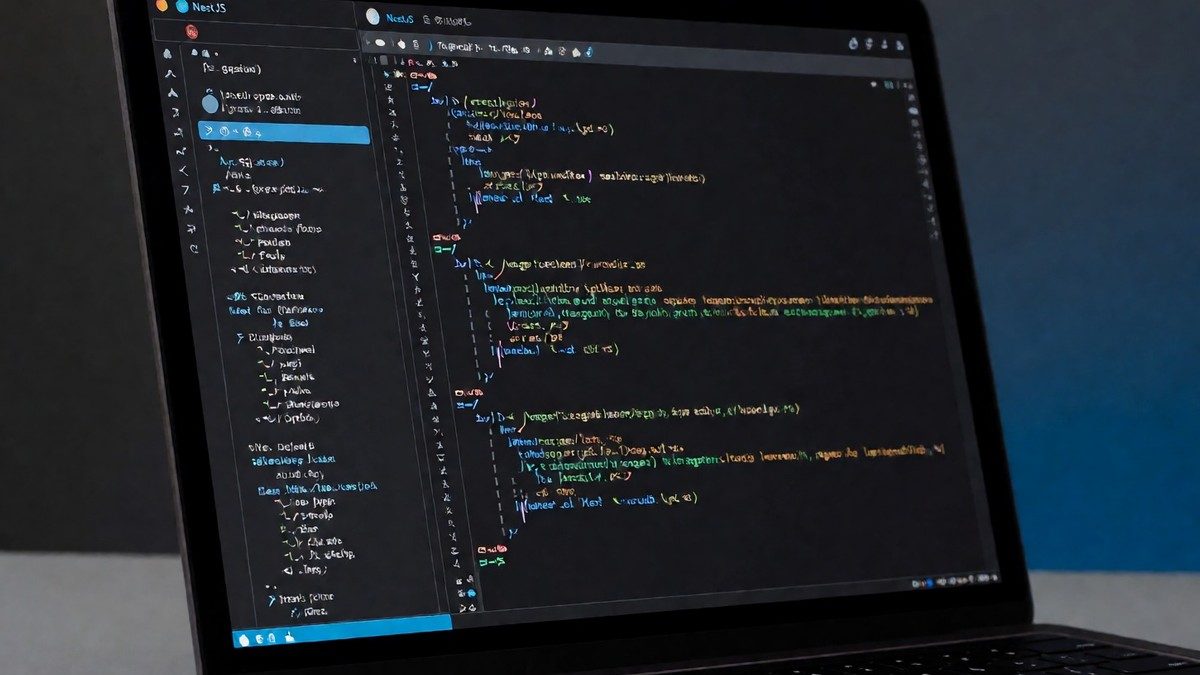
I start the installation by downloading the Toolbox App to access the Fleet tool list. This process takes only a few minutes to complete. Once I launch the application, the interface presents connections for SSH, GIT, and Docker. I opened a NestJS project to test the speed and found that the IDE loads the project files quickly. The remote file system provides the ability to write and run code on a more powerful computer. This connection helps when the local machine lacks the necessary hardware for heavy workloads. The client-server architecture is similar to the way VSCode handles remote editing and language servers. I find the Toolbox App makes managing the installation straightforward. The Toolbox App is the only way to download and install the software for this tool.
Language support and performance
The NodeJS and Typescript capabilities in Fleet match the features found in Webstorm. I noticed that the autocompletion speed and performance feel faster than my previous experiences with other JetBrains IDEs. However, I would skip the idea that this replaces all VSCode advantages. For Clojure development, the Calva plugin in VSCode remains superior to Cursive in IntelliJ. While JetBrains maintains superior tooling for Java and Kotlin, VSCode allows a user to point at a directory of Python files with a virtualenv and start editing with autocomplete and suggestions immediately without manual configuration. The performance of VSCode in Python makes the setup cost of other tools feel less worth it. JetBrains currently faces competition in Go and Rust, as some users find the VSCode Rust plugin easier to set up in a WSL environment than the Rust plugin for CLion. In the Python ecosystem, VSCode is known to "get it" by recognizing virtualenvs automatically. This contrasts with the manual interpreter root configuration required by tools like PyCharm. While PyCharm requires the manual configuration of the interpreter root and the project root, VSCode simply recognizes the environment. This makes the VSCode experience feel much smoother for rapid prototyping. If you still rely on VSCode for specific tasks, you should know the competition remains stiff in the Python and Javascript domains.
| Feature | JetBrains Fleet | VSCode |
|---|---|---|
| Architecture | Client-server | Client-server |
| NodeJS Support | Webstorm-level | High |
| Python Setup | Manual configuration | Virtualenv integration |
| Java/Kotlin | Superior | Poor |
UI and workflow
The run script configuration in Fleet resembles the workflow I use in VSCode. I find the debugger user interface much more comfortable for my daily tasks. The Git integration UI is also a strong point, as I prefer its way of displaying diffs over other tools. The integration of RustRover brings more language support to the platform, but I wonder if the developer mindshare will shift toward Fleet fast enough to matter? The interface stays clean and focused on the code. I choose Fleet because the performance in NodeJS development justifies the switch for my specific projects. The remote file system works well for developers who need to connect to a remote server to perform work. This ability to work on a more powerful computer from a lighter client is a benefit for those with limited local resources. The way Fleet handles the remote file system provides a sense of speed that I find missing in other lightweight editors. The ability to load projects like NestJS quickly helps when I need to move between different repositories in a single session. The speed is essential.