
Ice Universe predicts the One UI 7 Beta starts after November 17. This follows rumors that Samsung delayed the launch to prioritize the One UI 6.1.1 rollout and address stability issues. Samsung aims to roll out One UI 6.1.1 to all compatible devices before starting the One UI 7 beta release, which explains why the update arrived later than many users originally expected. Max Jambor and SamMobile also noted these delays. The first countries to receive the update include South Korea and the United States. I find the predicted mid-November arrival finally addresses the various delays mentioned by industry insiders.
Visual and camera changes
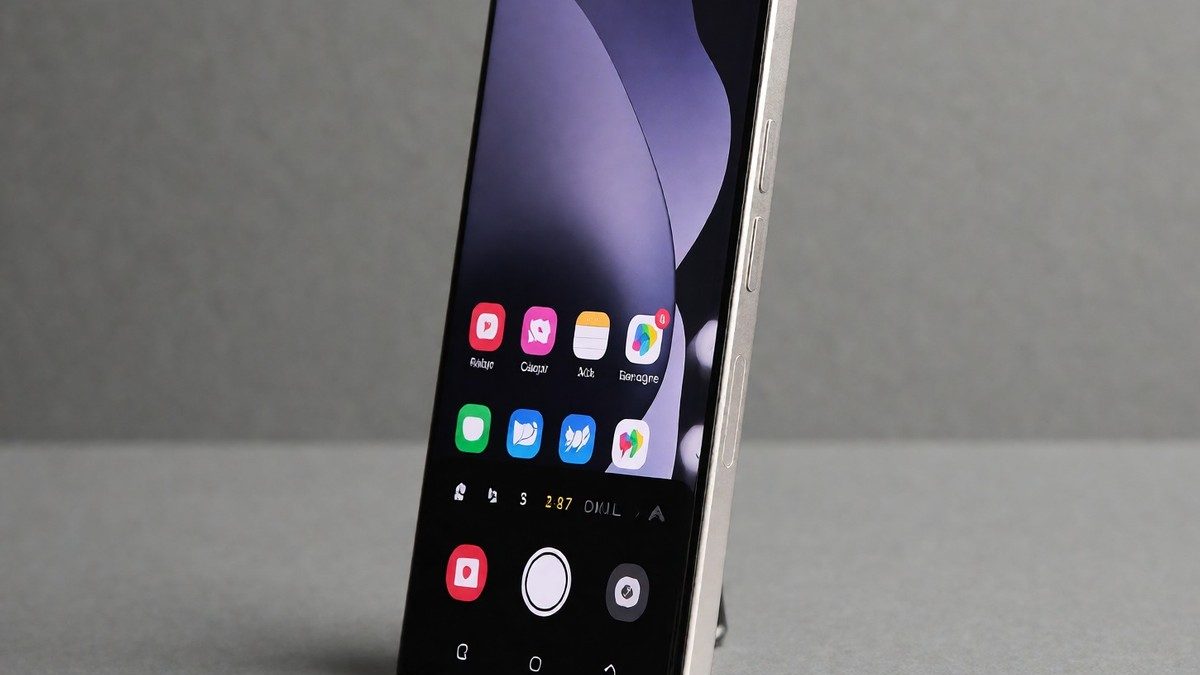
The update introduces a two-pane notification and quick settings setup where users swipe from the top right to see quick settings and from the top left to see the notification panel. The redesigned camera interface moves shooting modes, quick adjustments, and zoom functions to the lower part of the screen so that users can access these features more easily during their various photography sessions throughout the entire day of professional shooting. A pop-up menu now handles mode selection so it does not block the camera view. A 2x lossless zoom button appears by default. Users can also save exposure settings for each mode. The update brings rounded icons, a vertical app drawer, and a redesigned Gallery app. The Home screen uses a simplified grid and moves the Finder search bar to the bottom of the Apps screen. On the Lock screen, a Now bar shows media controls, timers, and voice recorders. Users can also customize the clock with new styles or drag it to any position. The new Samsung Health includes Mindfulness for stress management and medication reminders. Galaxy AI helps with writing tasks by correcting spelling or changing tone. The update also improves multitasking through minimized app previews. The new File Picker makes it easier to select files in various apps. In the Clock app, users can create groups of alarms to control them together. The Calendar app allows users to drag and drop events and create countdown widgets. The Reminders app includes a quick add menu for time and location conditions. Quick Share allows users to continue sharing over the internet if devices become too far apart. Security improvements include Knox Matrix and an updated Auto Blocker. Users can also adjust the size, position, and rotation of images in a collage within the Gallery app. The new Samsung Health includes badges for energy score, exercise, activity, food, water, and body composition. In the Clock app, users can turn off all alarms in a group with a single tap. The new File Picker shows previews to ensure users select the correct files. The software also allows users to adjust the maximum charging level between 80% and 95% via Battery protection settings.
Comparisons and availability
The update looks somewhat like iOS 18 with rounder icons and a vertical app drawer. Early builds felt unstable, sluggish, and buggy to some users. I would skip this beta if the stability issues persist during this rollout. You should check the Samsung Members app to see if your device qualifies for the program. One comparison shows that the One UI 8 Beta on the S25 Ultra feels different than the original One UI on the Note FE. The S25 Ultra has more options in the Settings section. The Note FE lacks swipe gestures that exist in the newer software. Will the stability of the beta improve before the mass rollout?
| Device Category | Eligible Devices |
|---|---|
| Smartphones | Galaxy S24 series, Galaxy S23 series, Galaxy A55 |
| Tablets | Galaxy Tab S10 lineup |
| Foldables | Galaxy Z Fold 6, Galaxy Z Flip 6 |