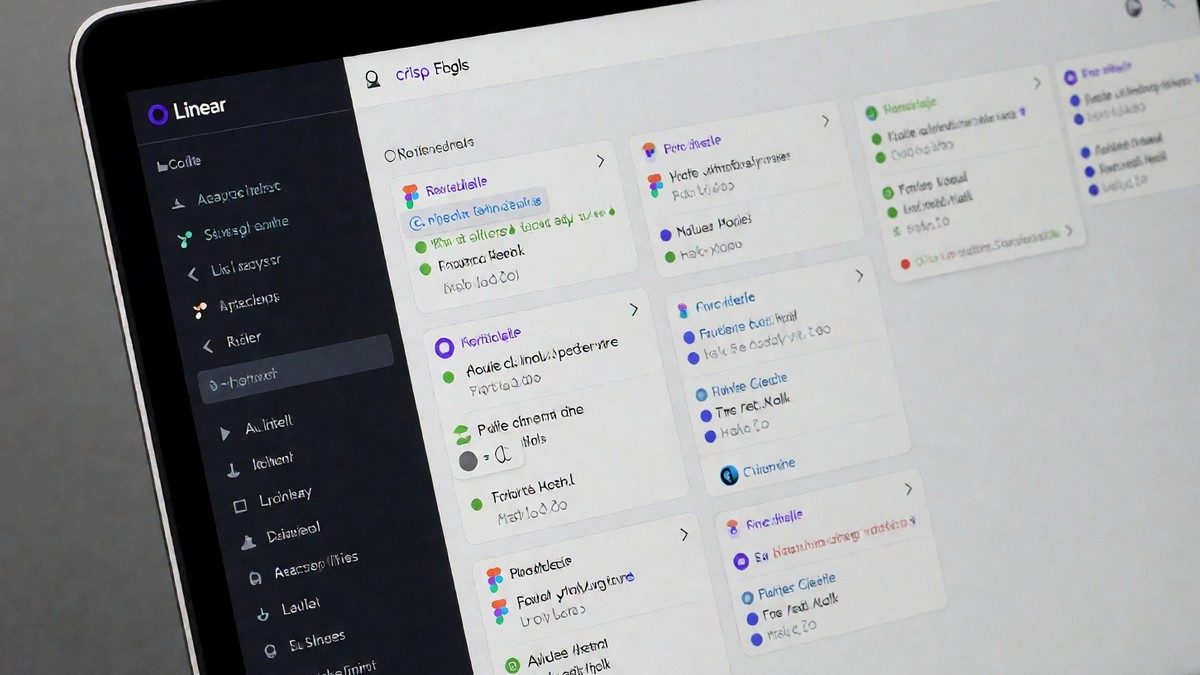
Synchronizing design and code
Teams use Linear to bridge the gap between design and engineering. Designers attach Figma files directly to issues. The October Figma integration allows users to retrieve all comments and comment threads from a Figma file, which includes user information and timestamps. Designers also access published components from a team’s shared library. AI agents on the design canvas help with iterations. The platform supports various design assets through Figma, allowing for image exports in PNG, JPG, SVG, and PDF formats with customizable scale and bounds. While these agents assist with design, many users find Linear best for engineering-heavy product work. One developer reported that the automation between Linear, Slack, and GitHub failed to trigger when they created a new issue in Linear, despite having all connections enabled. You should check your workflow if your GitHub branch names do not automatically link to your issue IDs. Enterprise users can also access organization activity logs and time series data for component or style actions in a library. Designers can retrieve detailed metadata for a specific component by its unique key or get developer resources attached to nodes in a file. The integration also allows for the bulk creation, update, and deletion of variables and variable collections. Linear is the best choice for engineering-heavy product teams.
Maintaining momentum via Cycles
Linear uses Cycles to manage time-boxed periods for work. These periods automatically carry over unfinished tasks to the next cycle to maintain momentum. This feature replaces manual rollover in traditional sprint planning. Teams use the Triage inbox to review and assign new bugs or feature requests before they enter the main backlog. This workflow prevents the backlog from becoming a dumping ground for unorganized tasks. Linear developers use labels to organize work, and the Triage feature ensures that bug reports and feature requests receive immediate attention. Linear prioritizes speed, with pages loading in under 100ms and interactions completing in less than one second. High-performance teams leverage keyboard shortcuts to create issues, assign owners, and move tasks between statuses without ever touching a mouse. Because the interface prioritizes speed and clarity, developers can move from the backlog to the board view or detailed issue tracking in seconds without any significant friction from unnecessary clicks. The design philosophy focuses on opinionated workflows. Linear provides a single, effective way to work rather than a massive engine of configuration. Users can use tags to separate dev, design, content, and marketing tasks in one workspace. Can a team manage a complex marketing launch using only these engineering-focused tools?
Cost structures for engineering teams
Linear scales effectively for technical teams but lacks the deep customization found in Jira. It serves software development workflows better than marketing or HR processes. The GitHub integration pulls commits, pull requests, and deployment status directly into issues. When an engineer mentions a Linear issue in a pull request, the connection links automatically. This bidirectional sync eliminates manual status updates. The tool helps teams that speak in pull requests and sprints. The tool optimizes for software development workflows rather than marketing campaigns.
| Plan | Monthly Cost per User | Primary feature/limit |
|---|---|---|
| Free | $0 | 250 active issues |
| Basic | $8 | Unlimited active issues |
| Business | $14 | Private teams and guest accounts |
Linear offers three main tiers for teams of various sizes. The free plan costs $0 per user and works for small startups, but it limits active issues to 250. The Basic plan costs $8 per user per month and removes this issue cap. The Business plan costs $14 per user per month and introduces private teams, guest accounts, and advanced analytics. Large organizations needing Single Sign-On or custom security reviews must use the Enterprise plan, which requires custom pricing. The Business plan also includes deeper integrations with support platforms such as Zendesk or Intercom.